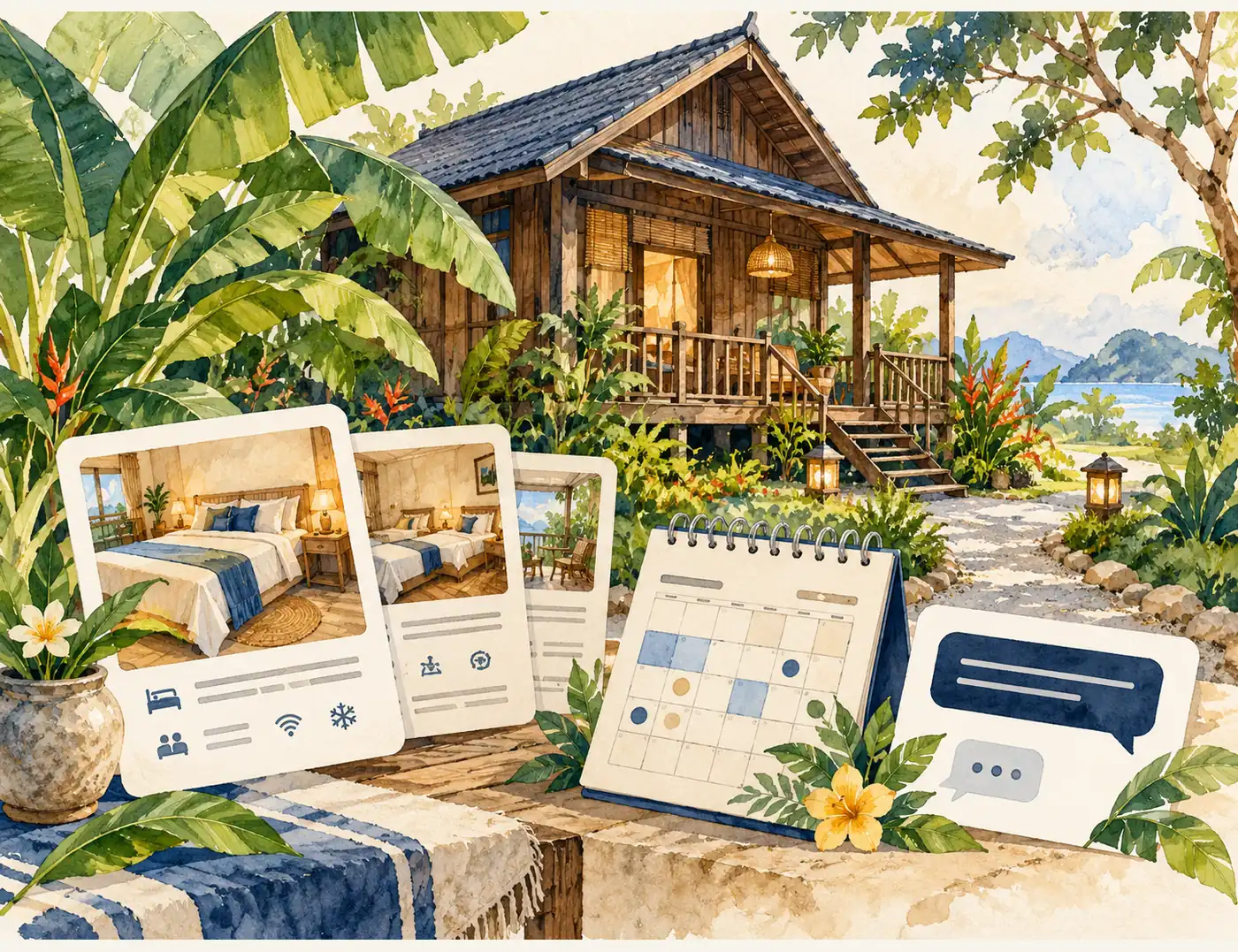
A homestay or chalet website should help guests understand the units, capacity, facilities, location and how to check availability. Attractive photographs draw attention, while clear information helps guests decide whether the accommodation suits them before enquiring.
For accommodation operators in Malaysia, a simple website with WhatsApp enquiries can be a practical starting point. An automated booking system becomes useful when operations require slot management, payments and confirmations. A booking button should not be confused with a confirmed reservation.
Six details guests need before enquiring
1. Unit types and actual capacity
State whether a reservation covers a whole house, a room or an individual chalet. Explain the number of bedrooms, beds, bathrooms and guests permitted by the operator. If there are several units, distinguish them so guests do not assume every photograph shows the same accommodation.
2. Genuine photographs and room layouts
Prioritise bedrooms, bathrooms, gathering spaces, kitchens, entrances and parking. Use captions to distinguish private spaces from shared facilities. Avoid stock or AI photographs that misrepresent the pool, view or size of a space.
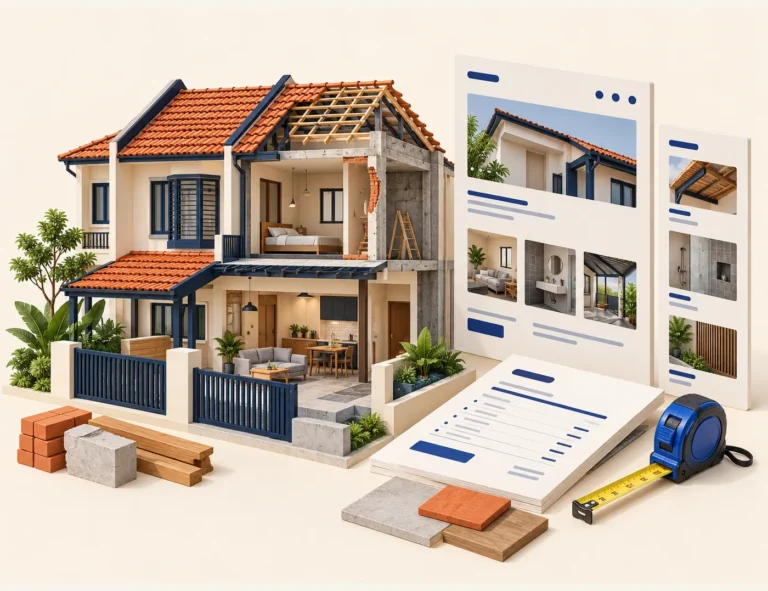
Concept illustrations can explain website structure, but do not prove the condition of the property. Replace old photographs when renovation makes them inaccurate. Optimise galleries so a large number of images does not make pages difficult to open on a phone.
3. Facilities and restrictions on use
Describe facilities actually available, such as Wi-Fi, air conditioning, a kitchen, parking or outdoor areas. State whether any facility is shared, chargeable or subject to opening hours. Avoid “fully equipped” descriptions that leave guests guessing about essentials.
4. Rates and what is included
If rates vary at weekends or by season, explain how guests can obtain a price for their dates. State relevant additional charges, deposits and payment conditions according to the operator’s policies. Do not hide important costs until the end of the enquiry process.
No single cancellation policy suits every property. Use a policy approved by the operator and keep website information consistent with other booking channels. This article does not set new rates, deposits or terms for your business.
5. Location and directions
Show the area, a correct map link, access details and parking information. Use verifiable distances when describing nearby attractions. Avoid promising fixed journey times because road and traffic conditions can change.
6. Check-in, check-out and house rules
State the times, how guests receive arrival instructions and important rules they should know before deciding. Guest limits, permitted activities and shared-space arrangements should be clear. Do not publish door access codes or property security details on public pages.
An enquiry form that reduces repeated messages
Start with check-in and check-out dates, guest count, preferred unit and a contact number. Where useful, distinguish adults and children according to the operator’s practices. Identification documents need not be requested through an initial marketing enquiry form without an appropriate process.
Example message: “I would like to check [unit name] from [check-in date] to [check-out date] for [number of guests]. Could you confirm availability and the total payment?” This is easier to process than “available?” without dates.
Manual enquiries or automated booking?
Manual enquiries suit operators who confirm availability themselves. Use wording such as “Bookings are subject to confirmation by the operator” if there is no real-time inventory. Do not show an unmaintained “available” calendar or a success message when the button only opens WhatsApp.
An automated system needs rules for units, minimum stays, rates, payments, cancellations, notifications and overlapping bookings. If reservations also arrive through other platforms, confirm compatibility and the synchronisation method. Do not assume every website booking system can synchronise with every platform without configuration or additional costs.
Your own website and booking platforms can complement each other
Your website gives you room to describe the accommodation fully and provide an official contact channel. Booking platforms may help discovery and transaction management within their available features. A new website does not automatically replace platform traffic or remove all marketing costs.
Keep accommodation names, photographs, policies and unit information consistent. Measure complete enquiries, confirmed bookings and guest sources; button clicks alone do not prove sales.
Choose a structure that suits how you update information
One page can suit a single property with information that rarely changes. A CMS website may be more suitable if you need to update many units, galleries or details yourself. Booking functionality is a separate decision from the number of pages.
Website Express is a one-page website without a CMS, suited to introductions and enquiries rather than complex booking. If you need self-managed updates or several pages, compare it with a Corporate Website. Read the Website Express or WordPress guide and website brief guide to organise the scope.
Checklist before development begins
Prepare the accommodation name and location, unit list, capacity, genuine gallery, facilities, how rates are obtained, approved policies and the confirmation process. Identify who handles enquiries and how information will be updated after delivery.
Want an accommodation website that helps guests make clearer enquiries? Explore alfatihstudio Corporate Website packages and share your unit count, available materials and booking workflow. We can recommend a simple structure or a larger scope according to your needs.
Frequently asked questions
State unit types, capacity, rooms and beds, facilities, genuine photographs, location, check-in times and how to check rates and availability. Use policies approved by the operator.
Not necessarily. WhatsApp enquiries can work when the operator confirms slots manually. Automation is useful when operations need unit, rate, payment and confirmation management.
Not if the button only opens WhatsApp or sends a request. Bookings need confirmation through the operator’s process; explain this clearly to guests.
Yes, for a one-page introduction and enquiries where information rarely changes. It has no CMS and is not a complex booking system; self-managed updates or integrations need a different scope.
Do not assume so. Confirm compatibility, the integration provider, synchronisation method and costs for the chosen system. Test the process for handling overlapping bookings.