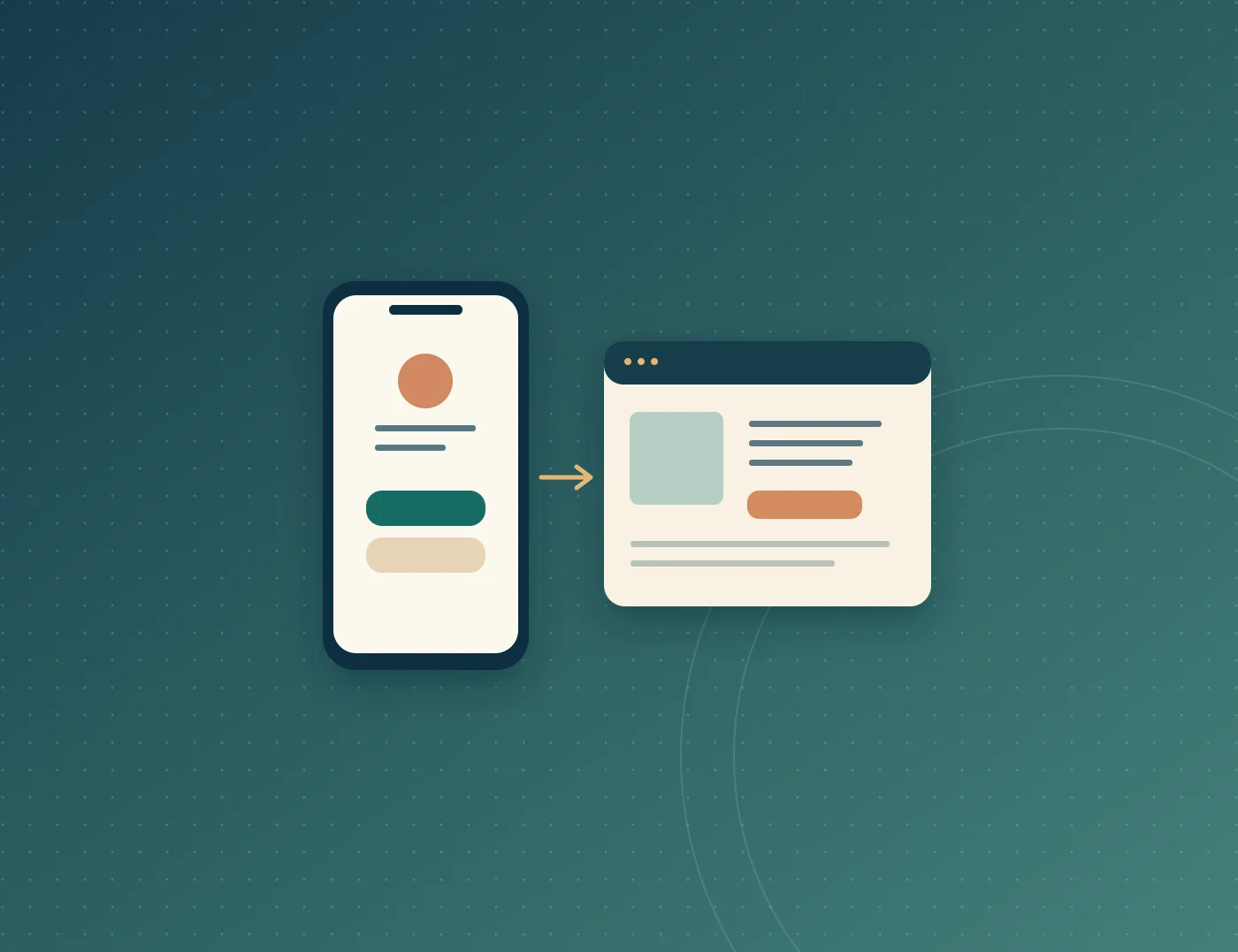
A digital business card helps new contacts save your details. A profile website helps prospective clients assess your services, experience and process before requesting a quote.
When is a digital business card enough?
Use a digital card when the immediate goal is to introduce yourself after a meeting. Include your name, role and one primary contact method. If you use a QR code, test it on another phone before printing.
When is a profile website more useful?
Imagine an operations consultant meeting a shop owner at an event. The card helps the owner save the consultant’s number. The website can explain which stock problems the consultant handles, what happens in the first session and which examples can be shared with permission.
If you keep answering the same questions about scope or process, put those answers on your website. If you offer one main service, see whether Website Express fits the content you need.
How to use both
Link your website from your digital card. After the meeting, recipients can contact you straight away or look at your work first. Use business contact details because recipients can forward the link.
Give each channel a job
Use the card for the next action after a meeting: save a number, open WhatsApp or visit your profile. Use the website for decisions that need more context: do you take on projects like this, what can a client expect and how do they get started? If most prospects come through referrals, give them a profile link they can forward with the card.
Test the full journey
Try the Digital Business Card Generator with business contact details. Ask a colleague to save the contact and open the website from their phone. The tool’s share link is unencrypted and cannot be revoked. Use a profile URL you control if the details are likely to change often.
Frequently asked questions
A digital card is useful when you meet clients regularly and want to give them a quick way to save your details.
A share link from this Digital Business Card Generator cannot be revoked. Only include details you can share publicly.
Leave out personal phone numbers, home addresses and client information. Include details you are comfortable having forwarded.