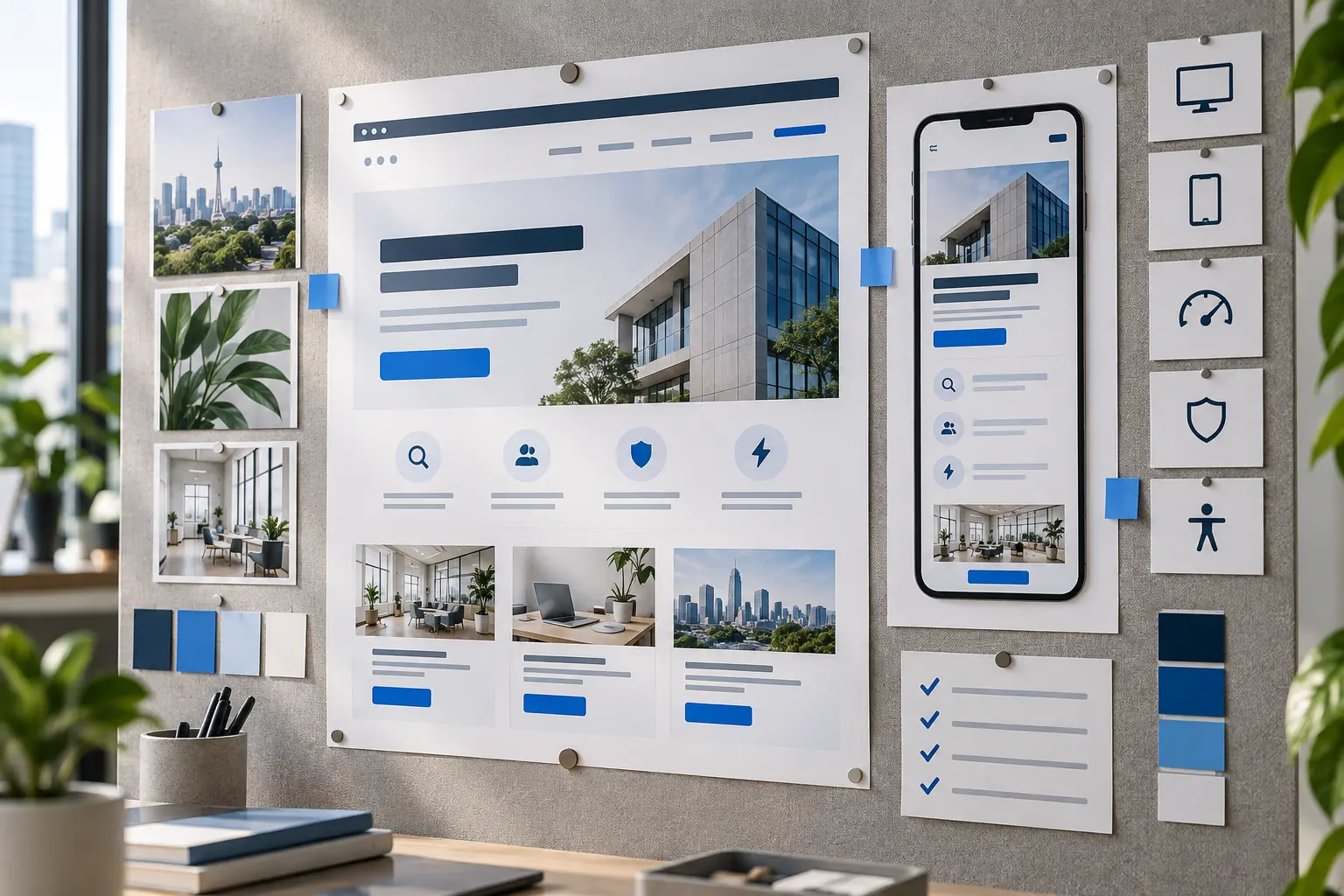
A good website should be clear, fast, mobile-friendly, credible and easy to act on. Attractive design helps, but appearance alone is not enough if customers struggle to find services, read content or contact you.
For a business website, the real measure is not how much animation or how many visual effects it uses. More important questions are whether customers understand the offer, trust the information and know what to do next.
What makes a website good?
A good website brings together user needs, business goals and stable technical foundations. Neglect one and the result may look attractive but fail to help customers or become difficult to manage after launch.
Use the following ten qualities when building, assessing or upgrading a company website.
1. A purpose and offer that are quickly understood
The opening section should answer at least three questions: who you are, what you offer and who it suits. Visitors should not have to interpret a vague slogan or scroll a long way to understand the website.
‘Building the Future Together’ may sound appealing but is very general. A more useful heading explains the service and result, such as ‘Home renovation services for homeowners in the Klang Valley’.
- Use a specific, clear main heading.
- Explain benefits without making promises you cannot substantiate.
- Show a main action, such as requesting a quotation, booking a session or viewing packages.
2. A mobile experience that is genuinely usable
Responsive design means more than shrinking a desktop layout. Content order, text size, button spacing, forms, menus and images need to adapt so phone users can read and act without zooming.
Check more than the homepage. Test menus, service pages, tables, FAQ accordions, forms, WhatsApp, checkout and error messages at several screen sizes.
- Text is readable without zooming.
- Buttons are not too close together or difficult to tap.
- Important content is not cut off or pushed outside the screen.
- Forms can be completed using a phone keyboard.
3. Fast loading, responsive interaction and stability
A website feels slow when its main content takes a long time to appear, buttons respond slowly or the layout moves while someone is reading. Oversized images, excessive scripts, unsuitable hosting or weak caching configurations can cause these problems.
Google uses Core Web Vitals to assess real-world loading, interaction responsiveness and visual stability. Tool scores do not represent the whole experience. Test on actual phones and ordinary connections, then review field data where available.
Further reading: Google Search Central’s Core Web Vitals guide, linked in the original references below.
4. Clear navigation and information structure
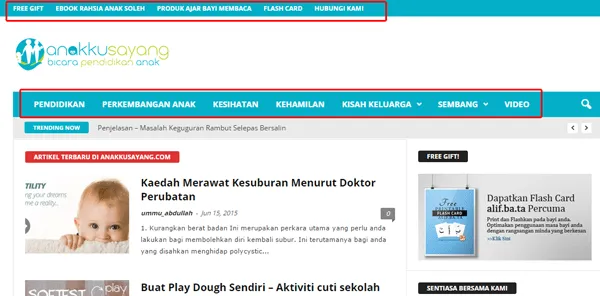
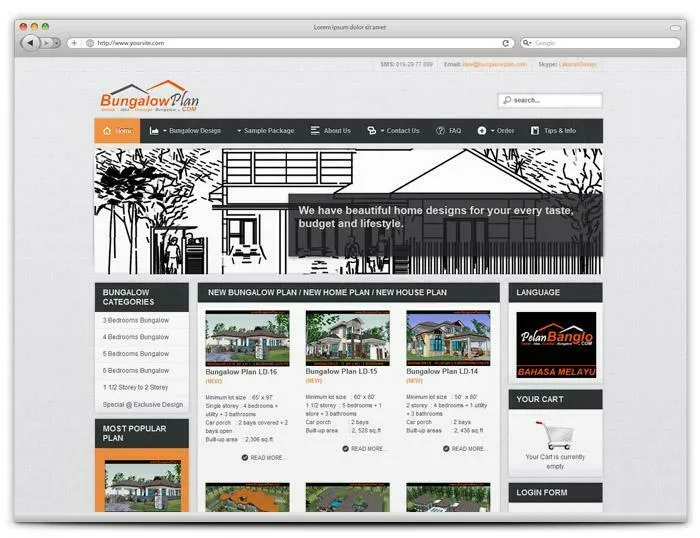
Use familiar menu labels such as Services, Packages, Portfolio, About and Contact. Avoid too many top-level choices or creative labels that obscure their destinations.
Organise content around customer questions rather than only the company’s internal structure. Customers usually want to understand the problems you solve, scope, evidence, process and how to begin before reading the organisation’s history.
- Make important pages accessible through reasonable routes.
- Connect relevant services, articles and portfolio projects with internal links.
- Use breadcrumbs or location cues for larger structures where suitable.
- Make the logo link to the homepage.
5. Readable text and a consistent visual hierarchy
Typography helps visitors scan without tiring. Text size, line length, paragraph spacing, colour and contrast should work together. Too many fonts, sizes or colours make a page harder to follow.
Use one H1 for the page title, followed by H2 and H3 headings for topics. Whitespace separates ideas and clarifies relationships between headings, descriptions, images and actions.
Consistency matters too. Buttons performing the same action should have matching styles and labels. Cards, tables and forms should follow the same visual system so people do not need to relearn every page.
6. Content that answers real customer questions
A good-looking website needs more than large images. Explain services in the language customers use and answer questions that affect decisions.
- What problem does it solve?
- Who is it suitable or unsuitable for?
- What is included and excluded?
- How does the process work?
- What does the customer need to prepare?
- What are the starting costs, annual charges or factors affecting price?
Specific content is also easier for search engines and AI answer systems to understand. Google explains that SEO helps search engines understand content and helps users decide whether to visit a page.
Further reading: Google Search Central’s SEO Starter Guide, linked below.
7. Evidence and information that build trust
Customers need to know that a business is real and contactable. Use verifiable information rather than invented statistics or testimonials.
- Business name, location and contact details.
- Actual portfolio projects or work examples.
- Customer reviews with checkable sources.
- Process, scope, prices or a clear route to a quotation.
- Relevant terms, privacy, refund and renewal information.
Use precise wording when a claim is difficult to prove. ‘We reply on working days’ is more convincing than an unsupported ‘number one service’ claim.
8. Usability for more people
Accessibility helps more people see, understand, navigate and interact with a website, including disabled users. It also supports older users, phone users, people with temporary injuries and those in situations such as bright sunlight or slow connections.
- Use sufficient colour contrast.
- Provide alt text for informative images.
- Make important functions usable by keyboard.
- Use clear form labels and helpful errors.
- Do not communicate status or instructions through colour alone.
W3C notes that automated tools cannot fully determine accessibility: human checks are still needed. See the W3C Web Accessibility Initiative introduction in the original references below.
9. Calls to action and forms that support the next step
Visitors should know what to do after reading. Use action labels such as ‘Request a quotation’, ‘View packages’ or ‘Book a session’, rather than vague wording such as ‘Click here’.
Match form length to the next action. A very short form may produce enquiries without useful information, while a long one can discourage completion. For website quotations, questions about business type, goals, features, content, timing and budget can clarify needs before WhatsApp.
Test the whole journey: field validation, success messages, email delivery, WhatsApp, notifications and the post-submission experience.
10. Security, discoverability and maintenance
A website needs to keep working after launch. Use HTTPS, secure administration access, backups, updates and monitoring appropriate to the platform. Clarify responsibility for domains, hosting, licences and maintenance.
Prepare technical SEO foundations: clear page titles, descriptions, heading structures, internal links, canonicals, sitemaps and relevant structured data. Technical settings cannot replace useful content and a clear offer.
Analytics and Search Console help reveal how pages are found, which actions people take and what needs improvement. A website should not be created once and left untouched for years.
A quick website assessment checklist
| Check | Question to answer |
|---|---|
| Offer | can visitors understand the main service within seconds? |
| Mobile | are menus, text, buttons, tables and forms usable on a phone? |
| Performance | does main content appear without distracting delays or layout shifts? |
| Navigation | can customers find services, prices or processes without guessing? |
| Content | does the page answer questions before a quotation request? |
| Trust | are company details, work examples and evidence verifiable? |
| Accessibility | have contrast, labels, alt text and keyboard use been checked? |
| CTA | is the next action clear, and does the form work? |
| Security | are HTTPS, updates, backups and administration access maintained? |
| Measurement | are analytics, Search Console and important conversions recorded? |
If several answers are uncertain, start with pages closest to customers: Home, Services, Packages, Portfolio and Contact. Fix barriers to understanding and action before adding animation or cosmetic elements.
Repair or rebuild?
Not every old website needs rebuilding. If its structure remains sound, problems such as large images, unclear text, weak calls to action or broken forms may be repairable. Rebuilding is more appropriate when the platform is no longer secure, content is difficult to restructure, the mobile experience fails or core functions need new foundations.
For a new company website, view alfatihstudio’s corporate website packages. For an existing site with problems, begin with the Website Repair assessment to determine whether repairs remain worthwhile. Original links are retained below.
Conclusion
A good website goes beyond appearance. It explains the offer, works on phones, loads quickly, is easy to navigate and read, builds trust, supports accessibility, stays secure and provides a clear next action.
The best design reduces uncertainty and helps customers decide. Use the checklist to prioritise improvements.
Review your website requirements through the original enquiry link below.
Frequently asked questions
Clarity. Visitors need to understand what is offered, who it is for and the next action. Speed, mobile usability, trust and design support that purpose.
Not necessarily. A carefully selected and arranged template can meet some businesses’ needs. Custom design suits requirements for identity, content, user journeys or functionality that a standard structure cannot meet.
Test important pages on several phones. Text should be readable without zooming, buttons easy to tap and content fully visible. Menus, tables, forms and checkout should work through to completion.
Combine tools such as PageSpeed Insights with real-phone use and field data in Search Console when available. Check main-content loading, responses after clicks and layout stability.
No, although many foundations overlap. Clear content, headings, navigation, speed and mobile usability help users and search engines. SEO also needs technical work and an understanding of search intent.
Consider rebuilding when the platform is no longer secure, the mobile experience fails, the structure is hard to change or core functionality needs new foundations. Repairs may suffice when problems are limited to content, images, performance or forms.
Further reading and services
https://developers.google.com/search/docs/appearance/core-web-vitals
https://developers.google.com/search/docs/fundamentals/seo-starter-guide
https://www.w3.org/WAI/fundamentals/accessibility-intro/
https://alfatihstudio.com/pakej-website/