Archive tutorial: this English version describes the original software and interface. Steps and screenshots may differ from current versions.
Affiliate marketing can help an e-commerce website expand its product market. Many e-commerce systems include affiliate features for store owners.
This guide explains adding and approving agents and how commissions work from the administration back end.
Affiliate marketing in OpenCart
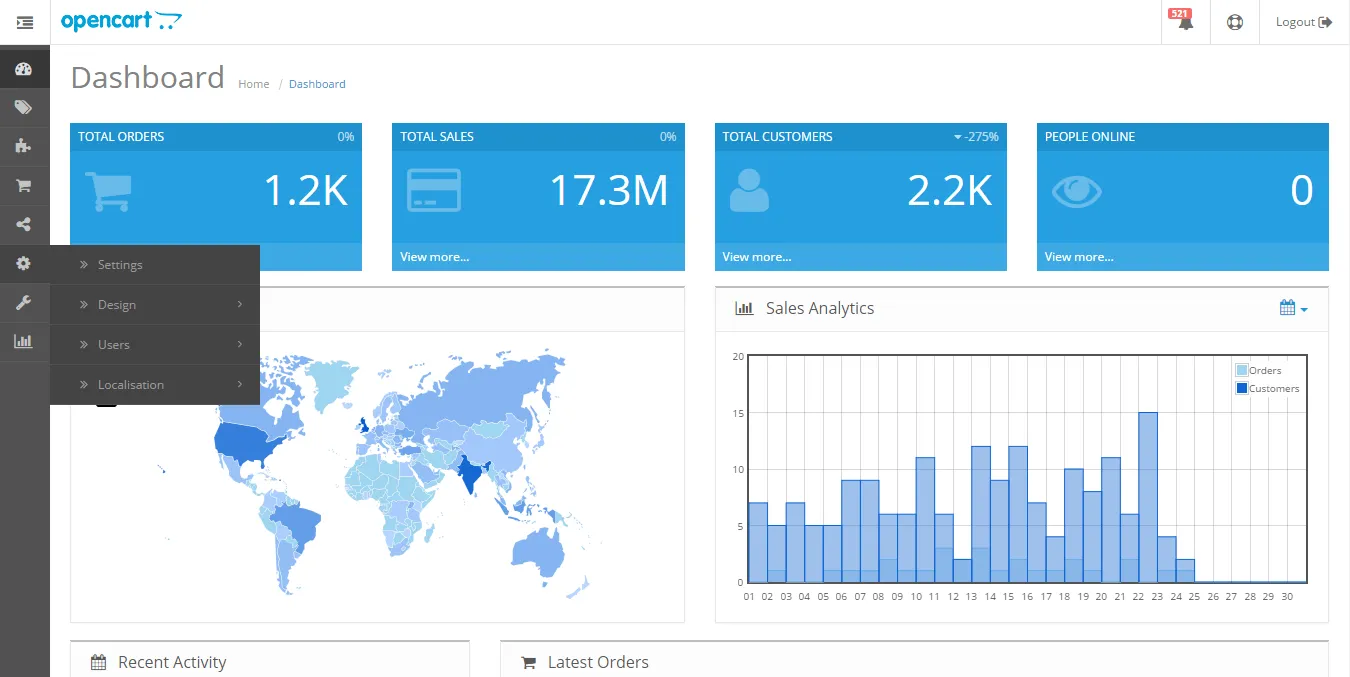
To set commissions for registered agents, open System > Settings and click Edit. Under Option, find Affiliate and set the commission generated when a sale comes through an agent’s tracking code.
Administrators can add affiliate accounts in the back end or approve registrations submitted through the front end. A registered affiliate must be approved before earning commission through the supplied link.
- Log in to the administration area.
- Open Marketing > Affiliates to see registered agents. Search and filter tools help when the list is long.
- Balance shows commission the agent has earned that you have not yet paid.
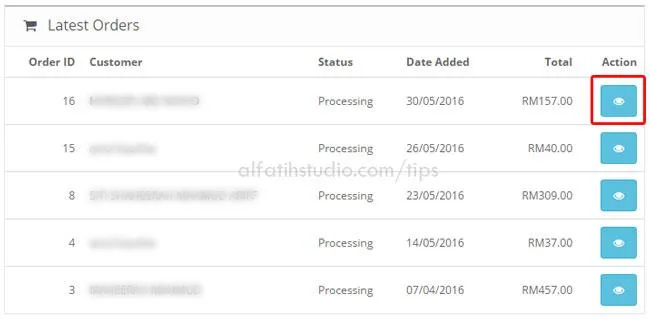
- The Action column contains three status icons. A green thumbs-up icon that cannot be clicked means the agent is approved. An active, clickable icon means approval is needed; click it to approve the registration.
The orange lock indicates whether an affiliate is blocked from logging in. This generally happens before approval or after too many login attempts. The blue icon opens the affiliate’s details for viewing or editing.
Adding an affiliate from the back end
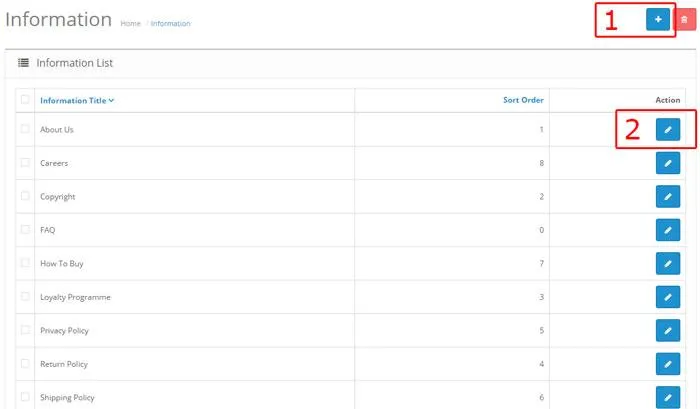
Click the + icon at the top right of the affiliate list.
Under General, complete the affiliate’s basic information. Tracking Code is particularly important: it is unique to each agent and should normally remain unchanged. The affiliate uses it to promote products.
Under Payment Detail, enter the affiliate’s preferred payment method. You can set a different commission for a particular agent under Commission %.
Approving registered affiliates
You must approve an affiliate even after adding the account from the administration area.
Return to Marketing > Affiliates. An active green thumbs-up means the account still needs approval. Click it so the affiliate can begin earning commission.
Done.
Original guide illustrations


Links from the original guide
https://alfatihstudio.com/tips/wp-content/uploads/2016/08/sistem-affiliate-dalam-opencart-5.png
https://alfatihstudio.com/tips/wp-content/uploads/2016/08/sistem-affiliate-dalam-opencart-1.png
https://alfatihstudio.com/tips/wp-content/uploads/2016/08/sistem-affiliate-dalam-opencart-2.png
https://alfatihstudio.com/tips/wp-content/uploads/2016/08/sistem-affiliate-dalam-opencart-3.png
https://alfatihstudio.com/tips/wp-content/uploads/2016/08/sistem-affiliate-dalam-opencart-6.png