Archive tutorial: this English version describes the original software and interface. Steps and screenshots may differ from current versions.
A slideshow consists of moving images or banners, usually on a website’s homepage. When replacing a slideshow image, use the same dimensions as the original template image.
Adding slideshow images
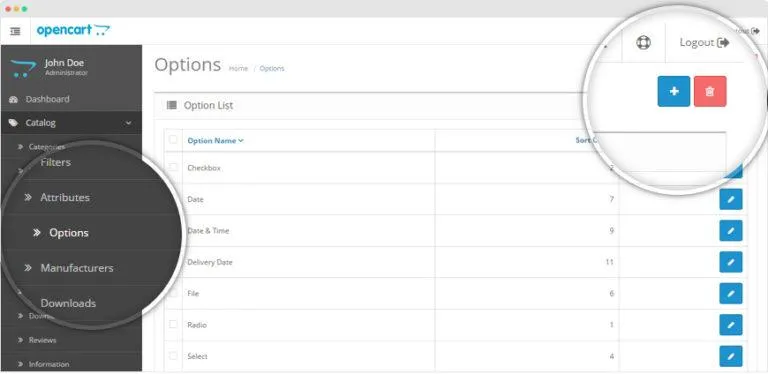
- Click Design > Banners.
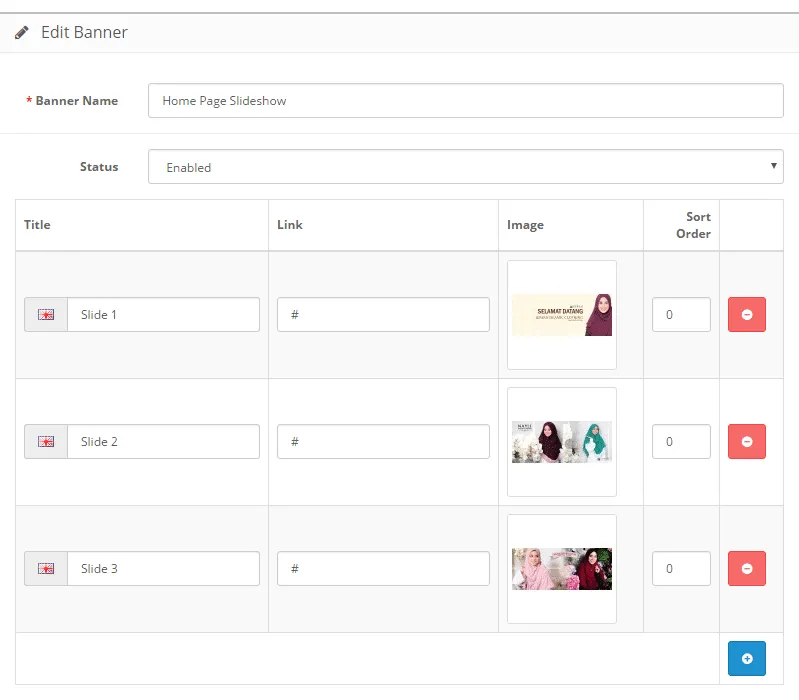
- Edit Home Page Slideshow. Its name may differ according to what the website developer entered.
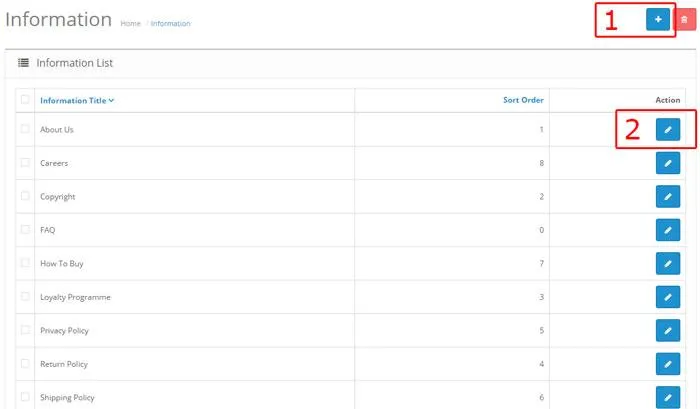
- The screen lists existing images. Use the red button to delete an image and the blue button to add one.
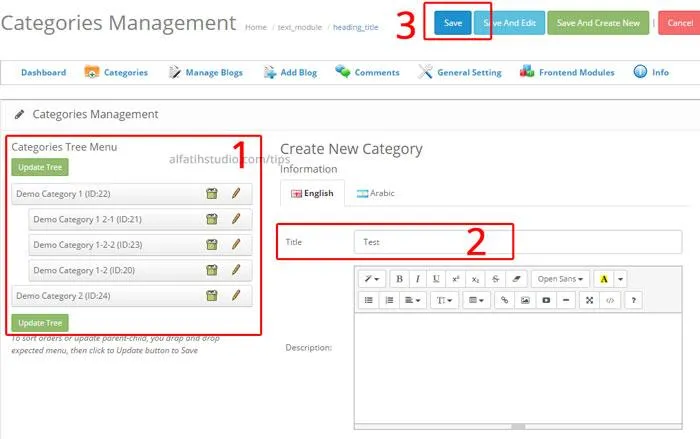
- Click Save at the top right when finished. Done.
Original guide illustrations


Links from the original guide
https://alfatihstudio.com/tips/wp-content/uploads/2016/08/cara-masukkan-slideshow.png
https://alfatihstudio.com/tips/wp-content/uploads/2016/08/cara-masukkan-slideshow1.png
https://alfatihstudio.com/tips/wp-content/uploads/2016/08/cara-masukkan-slideshow2.png