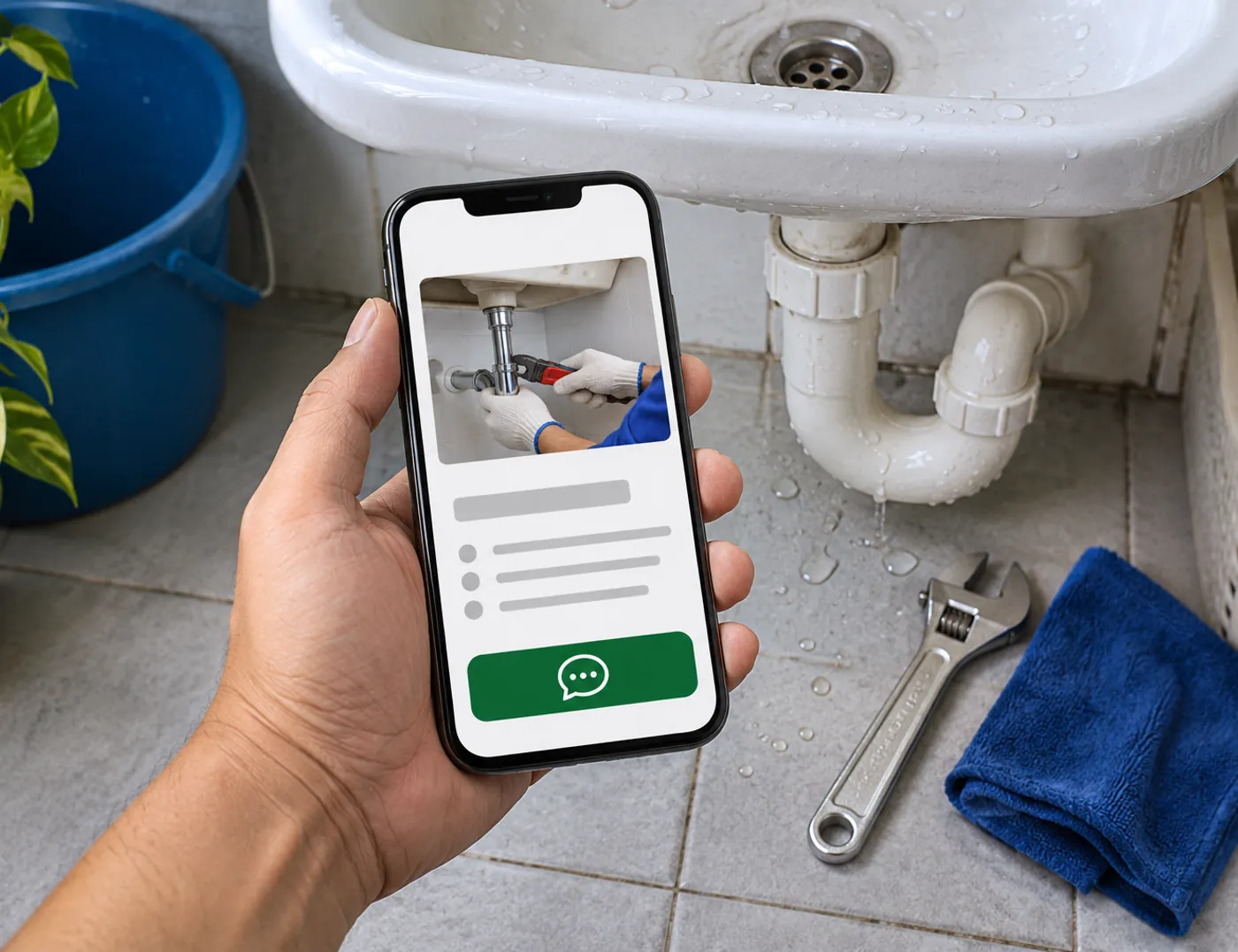
When a pipe leaks or a door lock fails, customers visiting your website want to know whether you can help, whether you cover their area and when you might be available. Give them the information they need to check all three before they message you on WhatsApp. A first message with the problem, location and timing is also easier for your team to assess.
Put the answers customers need on the first screen
Start with the service and its main coverage area. Use words customers use themselves, such as “leaking pipe” or “blocked sink”. If coverage varies by postcode, show your main areas first and explain how to check nearby areas.
- Jobs you handle. Give two or three examples so customers can tell whether the service fits their problem.
- Coverage and hours. Name the areas you serve and say when your team monitors enquiries. If same-day availability depends on the team’s schedule, explain how to check it.
- First action. Use a label such as “Check coverage and availability on WhatsApp” so customers know what tapping the button will do.
Give customers a message your team can act on
Use a pre-filled message that customers can edit. Start by asking them about the problem, the area and when they need help. If a photo would help, ask them to attach one where appropriate.
Sample message
Hi, I need help with [problem] in [area or postcode]. I need the service [today or preferred date]. Could you check coverage and availability?
Place a short note under the button explaining what your team will check, such as the area and available times. If pricing depends on a photo or site visit, explain when the customer can expect an estimate. State any inspection or call-out fee that applies. Ask customers to wait for confirmation before treating a time slot as booked.
How HydroZif handles plumbing enquiries
The HydroZif website brings together plumbing services for homes and shops in Johor Bahru and nearby areas on one page. Customers can check coverage and see photos of previous work before tapping the price enquiry button. The page asks them to share a photo of the problem and their location, and explains that the price is discussed before work begins.
You can use the same sequence for other services. A locksmith, for example, might first ask about the type of door and the customer’s area. That gives the team enough information to assess the job and check availability before the customer decides.
Test the enquiry flow on a phone
- Open the page on a phone and try to find the service, coverage area and WhatsApp button without using a menu.
- Tap the button and check the recipient number, pre-filled text and whether you can edit the message. Use an agreed test number if you want to check delivery.
- Ask someone new to the page to explain what happens after they send a message. If the next step is unclear, explain how your team checks availability or prepares an estimate.
Use the pre-launch checklist if you also need to test forms, links and the mobile layout.
If customers usually find you through search or ads and then enquire on WhatsApp, explore alfatihstudio Website Express to see how a single page can bring service information and enquiries together.
Frequently asked questions
State the problems you can help with, the areas you cover, when enquiries are monitored and what customers should do first. On a phone, the enquiry button should be easy to find.
Ask for a short description of the issue, the area or postcode and when help is needed. If a photo would help you assess the job, invite the customer to attach one where appropriate.
Publish rates you can verify and explain what they cover. If the cost depends on location, the type of job or an inspection, explain what information you need and when customers can expect an estimate.